Power Widget
Power Widget is a home-screen widget for a Victron power system. It is not an official Victron Energy app.
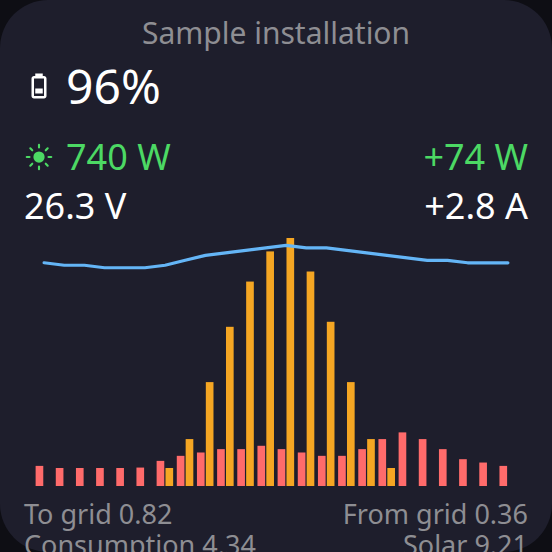
Home screen
2×2 widget. A sample day, not a real installation.
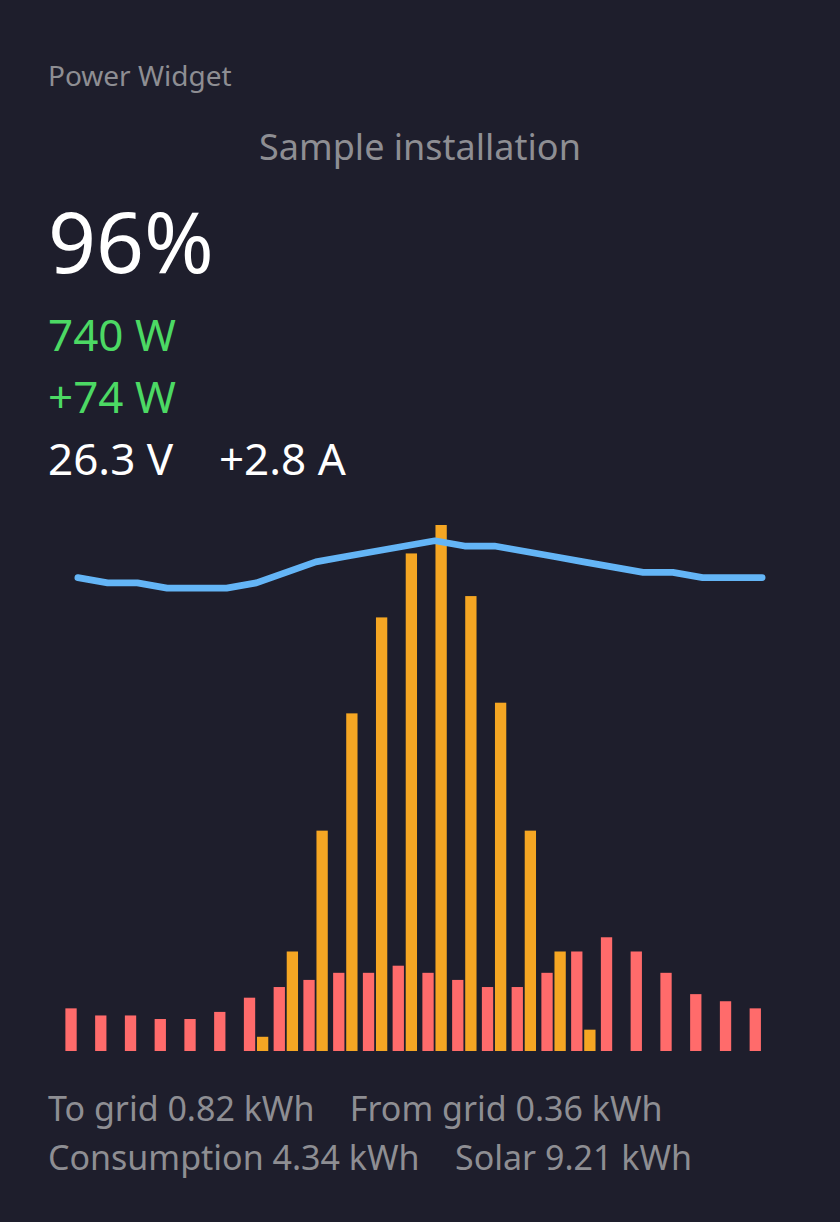
In the app
The same chart, drawn large.
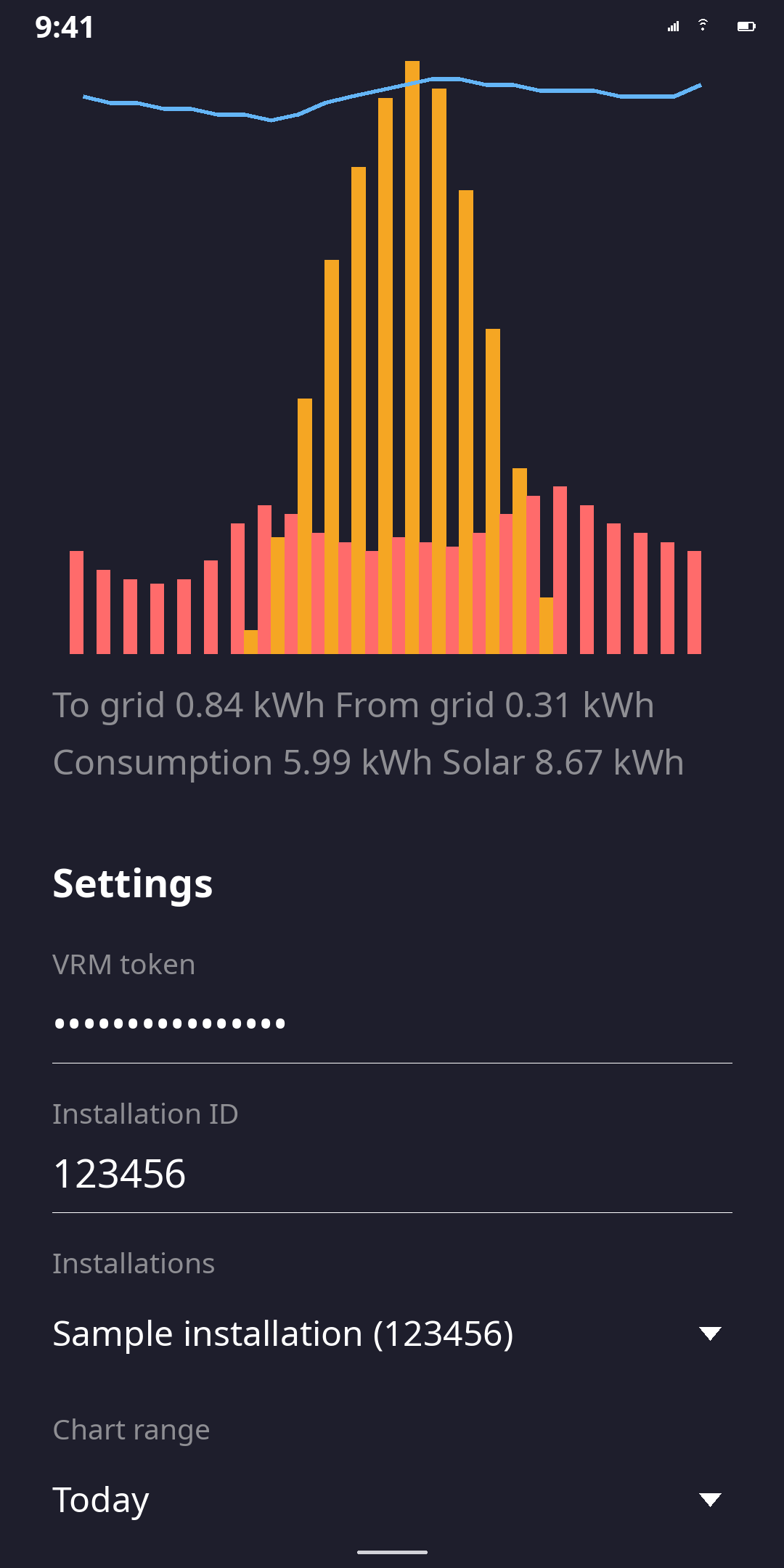
Configuration
Sample data, not a real installation.
What the widget shows
- The installation name.
- Battery percent.
- Solar watts.
- Battery watts with a sign: plus while charging, minus while discharging.
- Voltage and current.
- The day chart. Salmon bars are consumption, amber bars are solar, and the blue line is state of charge.
- Today’s totals: to grid, from grid, consumption, and solar.
Chart range
In settings the chart can be Today, Yesterday, Last 7 days, or This month.
More than one installation
More than one installation can be saved. Each home-screen widget can show a different one.
What a tap does
- Tap the readings to open that installation in VRM.
- Tap the chart for the color key.
- A long press is the phone’s widget menu, including settings.
How often it updates
Refresh defaults to 5 minutes. A refresh faster than 15 minutes keeps a data-sync notification.
Languages
Languages follow the phone: Slovak, Czech, German, Polish, and English. The app can override that choice.
How to set it up
- Install the app.
- Open it.
- Enter the VRM token and the installation id.
- Save.
- Add Power Widget to the home screen.
Where to get the token
Sign in at https://vrm.victronenergy.com. Open the account menu. If you are inside an installation, go back until that menu shows Preferences. Choose Preferences, then Integrations, then Access tokens. The same list is at https://vrm.victronenergy.com/access-tokens. Create a token and copy it. VRM shows the new token only once.
Where to get the installation id
Open the installation in VRM. The number in the address is the id. In /installation/123456/, the id is 123456. You can paste that whole URL instead of the number. The app reads the id from it.
Where the token goes
The token stays on the phone and is sent only to the VRM API. Privacy policy.
Sending a few euros is optional. https://paypal.me/mfedurco